Platform · Compliance
Policies with a signed, acknowledged record.
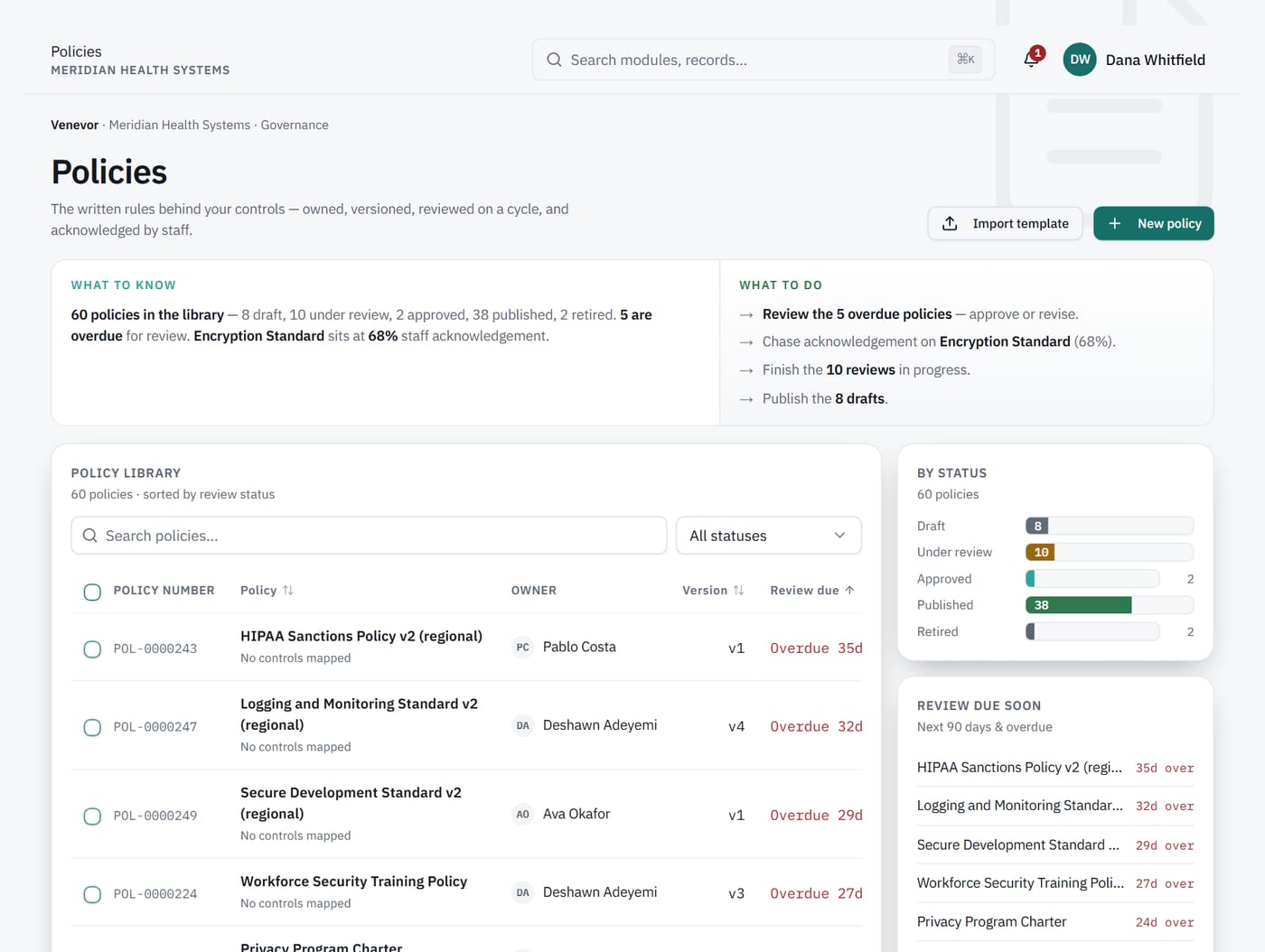
Take each policy from draft to approval with an electronic signature, then track who has acknowledged it.
- E-signatureapprovals
- PDF + Wordbranded export
1Approval
Know who approved each policy, and when.
An approval buried in email is hard to prove later. Venevor takes each policy through approval with an electronic signature. The record stays with the policy.
What it does
Keeps the approval and its electronic signature on the policy record.
2Acknowledgement
See who has acknowledged each policy.
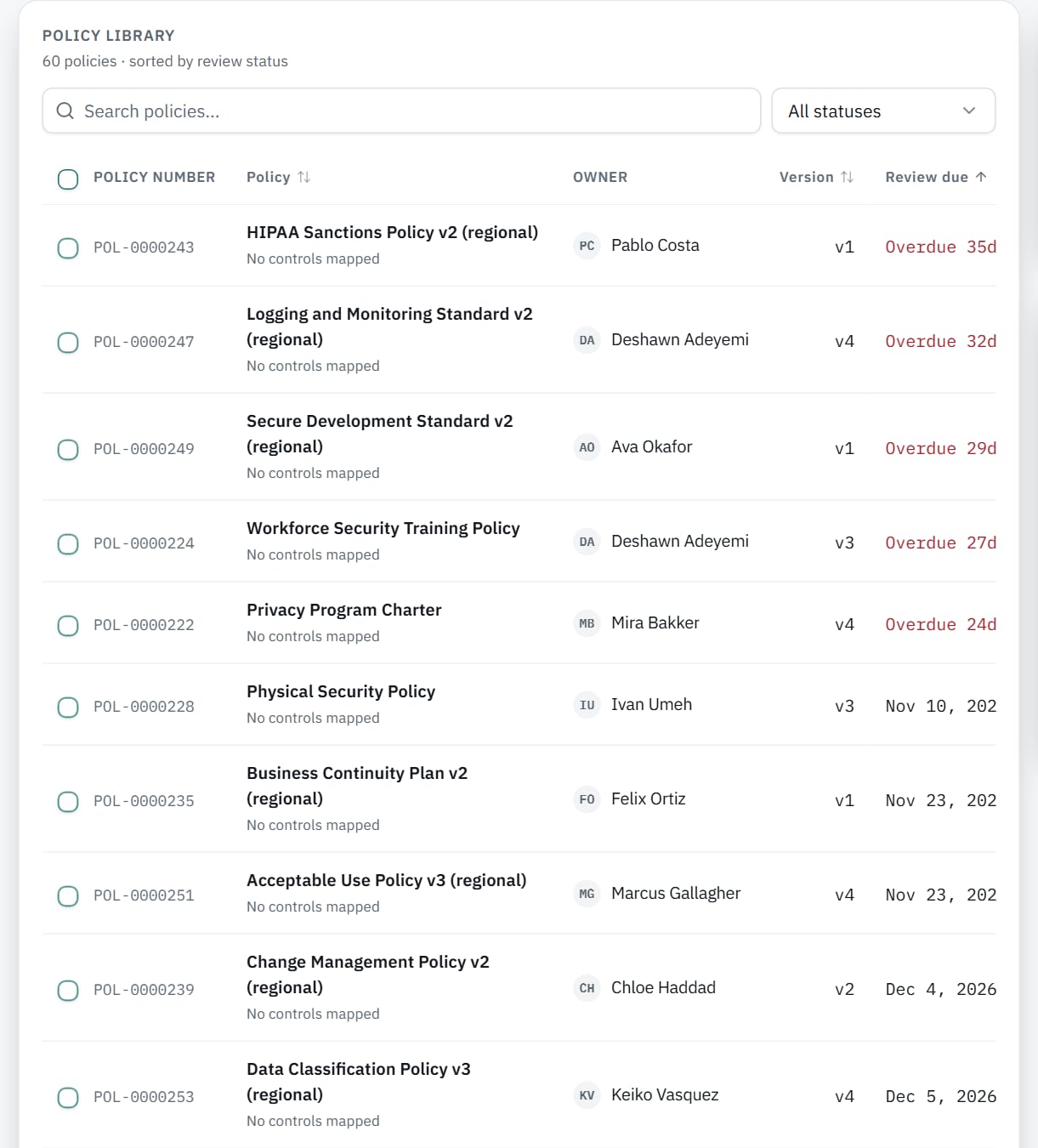
Auditors ask for proof that staff acknowledged current policies. Venevor tracks acknowledgements for each policy. You can see who has acknowledged it and who has not.
3Import and export
Bring policies in, send them out branded.
Most organizations already keep policies in documents. Bulk import brings them into Venevor, and duplicate starts a new policy from an existing one. Export produces branded PDF or Word files.
Capabilities
What's included.
Policy lifecycle
Move each policy through its stages, from draft onward.
Signed approval
Approvals are captured with an electronic signature.
Acknowledgements
Track who has acknowledged each policy.
Duplicate
Start a new policy from an existing one.
Bulk import
Bring your existing policies in at once.
Branded export
Export any policy as a branded PDF or Word file.
Works with
Connected to the rest of Venevor.
FAQ
Common questions.
Can we import our existing policies?
Yes. Bulk import brings existing policies in at once.
How are approvals recorded?
Each approval is captured with an electronic signature on the policy record.
Which export formats are available?
Branded PDF and Word.
Put your policies on the record.
Request a demo to see approval, signature and acknowledgement in one place.