Platform · Compliance
Accepted gaps with an owner and an end date.
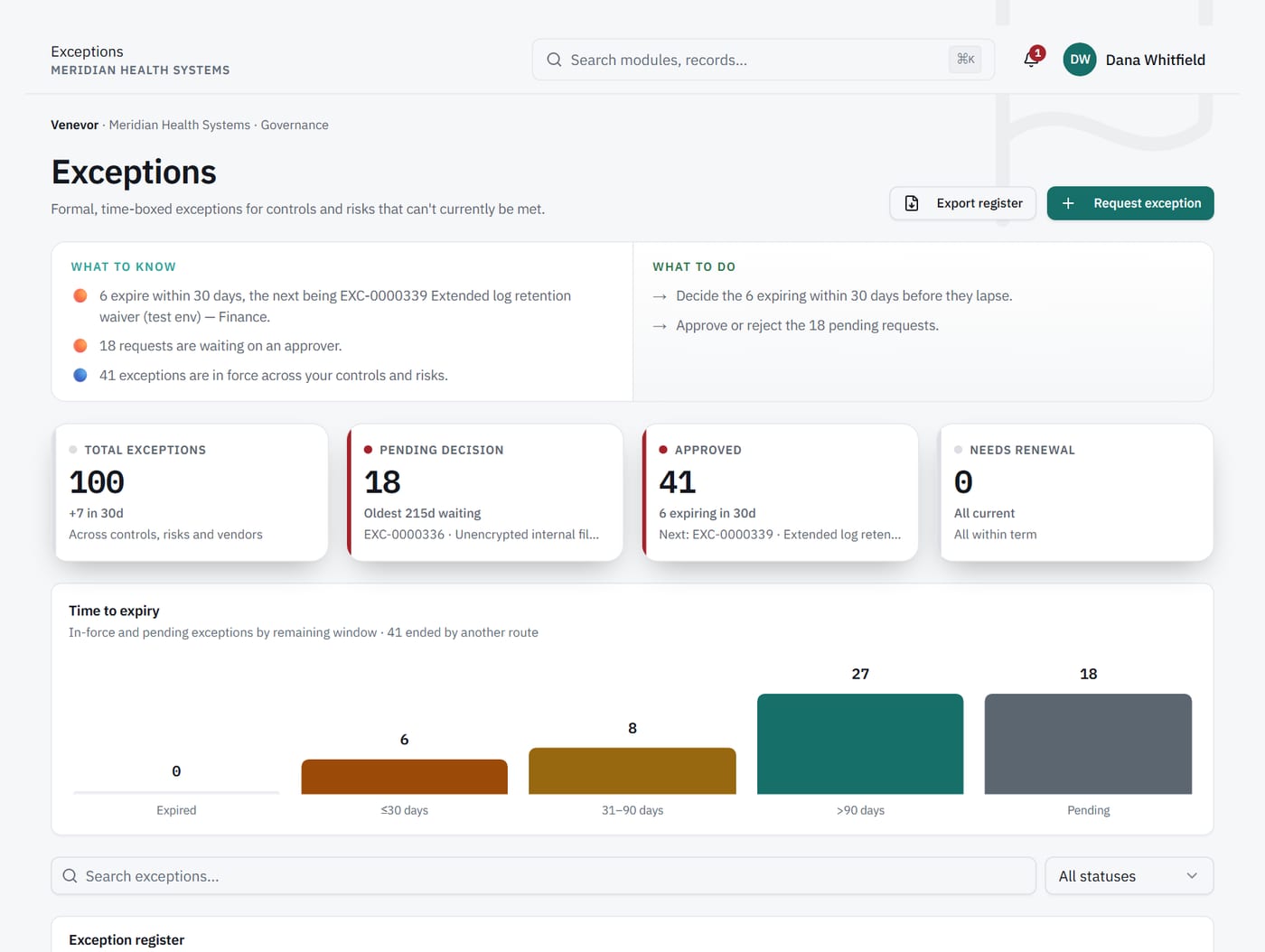
An exception records a known gap that someone accepted, who owns it, and when it expires.
- Owner
- and expiry date
- Export
- of the register
1Ownership
Exceptions that cannot quietly become permanent.
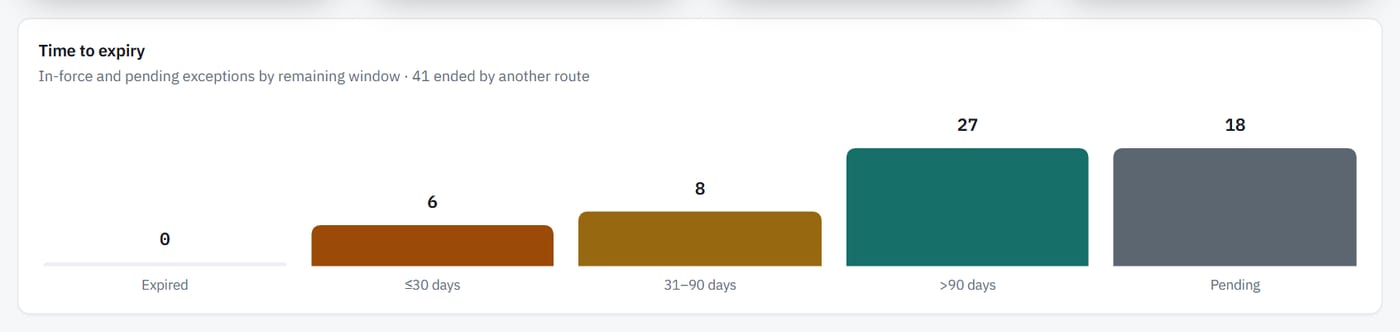
An approved waiver with no end date tends to stay forever. Each exception in Venevor has an owner and an expiry date. Both stay visible on the record.
2Decisions
Request, decide and record the outcome.
Exceptions granted in a hallway leave no trail. Venevor takes each exception from request to decision. Statuses include withdrawn and revoked, so the history stays complete.
3Automated controls
An exception never changes an automated control.
A waiver should not turn a failing check green. In Venevor, an approved exception never overrides an automated control's status. The check result stands, and readiness shows the exception as its own state.
What it does
Records the accepted gap as an Exception in readiness.
What it never does
Override an automated control's status.
Capabilities
What's included.
Request and decide
Every exception goes from request to a recorded decision.
Named owner
Each exception has an owner who answers for it.
Expiry dates
Every exception carries the date it ends.
Full status history
Statuses include withdrawn and revoked.
Readiness state
Accepted gaps appear as Exception in readiness.
Export
Export exceptions for review outside Venevor.
Works with
Connected to the rest of Venevor.
FAQ
Common questions.
Does an approved exception make a control compliant?
No. For an automated control, the status still comes from its latest check. The exception is recorded beside it.
Can an exception be withdrawn or revoked?
Yes. Statuses include withdrawn and revoked.
Can we export exceptions?
Yes. Exceptions can be exported.
Keep every exception accountable.
Request a demo to see how exceptions are requested, decided and tracked to expiry.